
Tenant page
How it works
Tenant page, step by step
-
A private link
The texts and emails a tenant gets carry a link that signs them straight in to their own page.
-
Report a repair
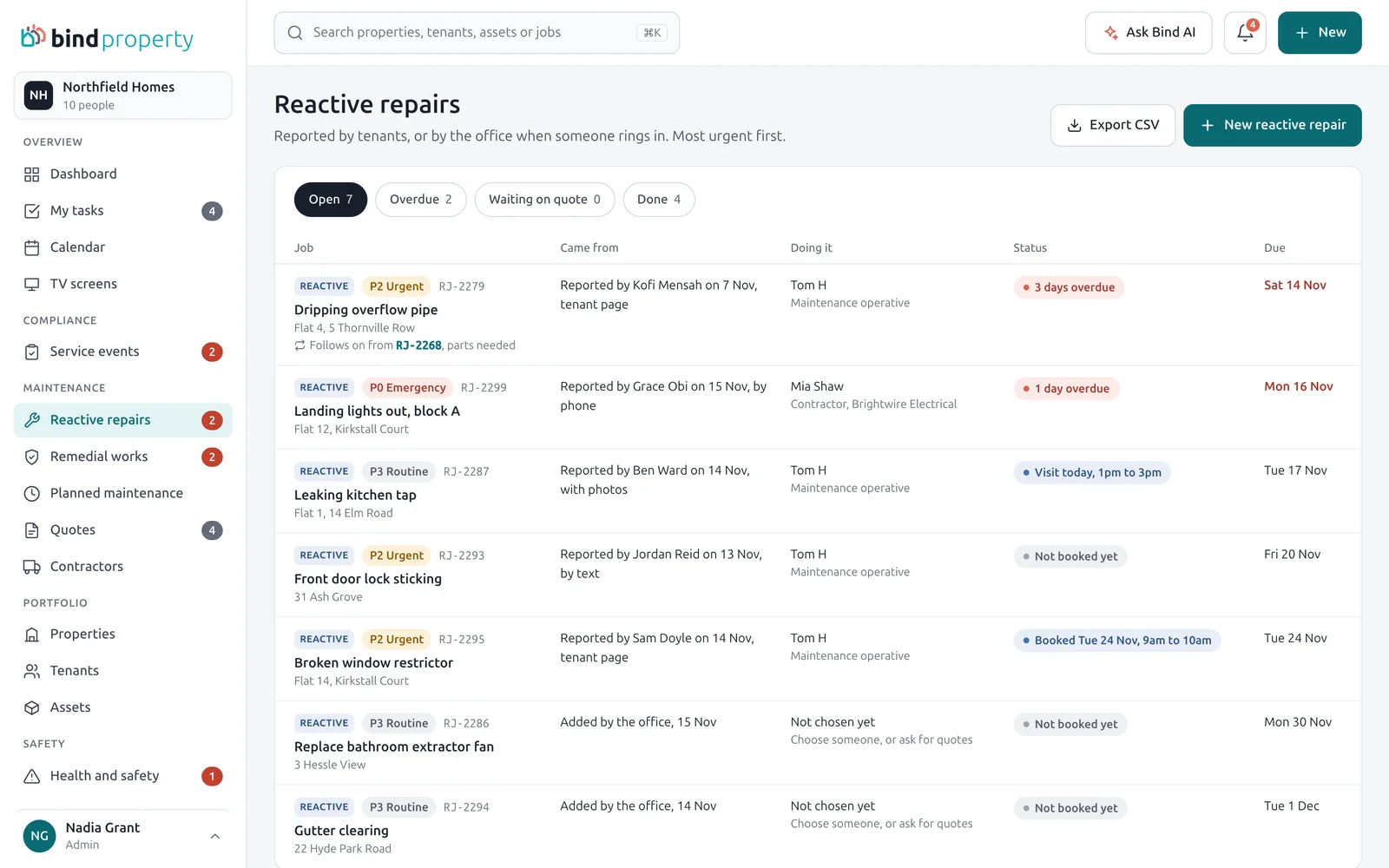
They pick the kind of problem, say whether anything urgent is happening and add photos. The priority comes from what they tell you.
-
Answer the visit
When a visit is booked it shows on their page, and they can say it is fine or ask to move it.
-
Follow it through
What they have reported, and what has been fixed, stays on their page, with texts or emails along the way.
Questions
Questions about tenant page
Do tenants need an app or a password?
No. Their page opens from the private link in the texts and emails they get, on any phone or computer.
Can tenants make a complaint from their page?
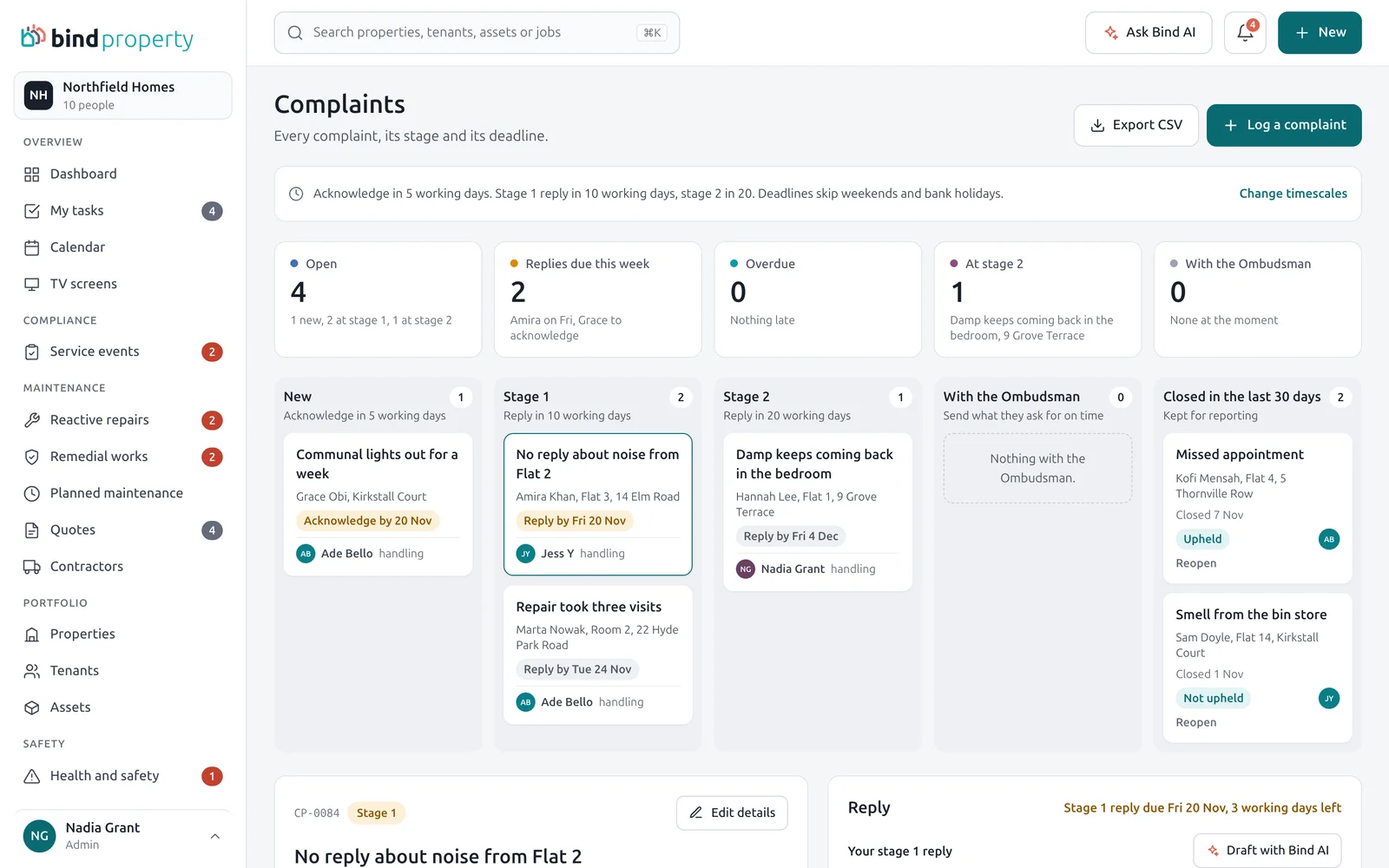
Yes. It goes straight onto your complaints board, and they can see who is handling it and when they will hear back.
What if a tenant prefers texts to emails?
Each tenant has a preferred way to hear from you, and their reminders go that way wherever the reminder allows it.
Bind Property
More in Bind Property
Try the Bind Property demo
Look round the demo with sample buildings, tenants and repairs, or get in touch and we will show you round.