Contractor app
How it works
Contractor app, step by step
-
Invited by the office
The office adds the company and invites its people. A contractor who already works for another organisation on Bind Property keeps the same login.
-
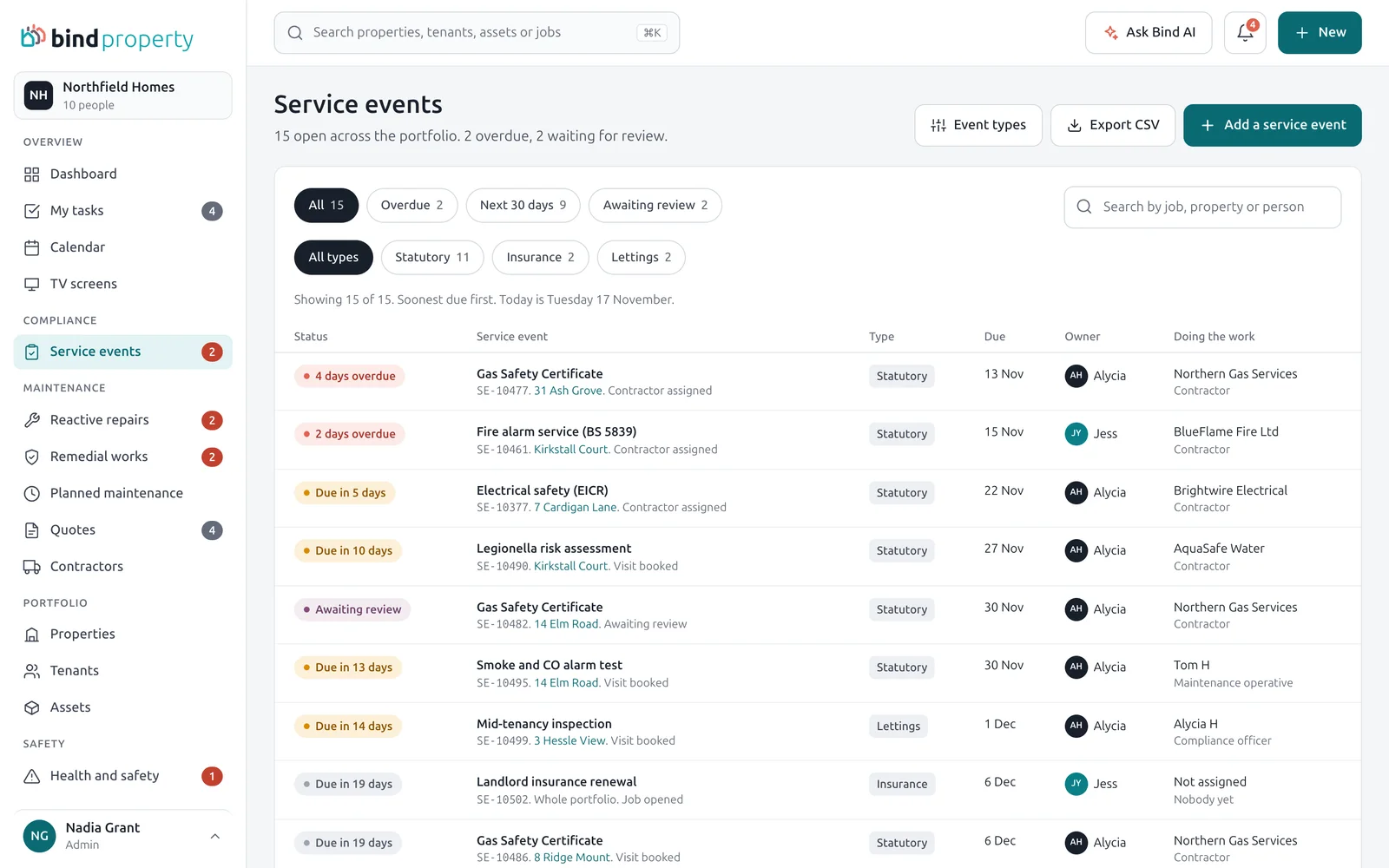
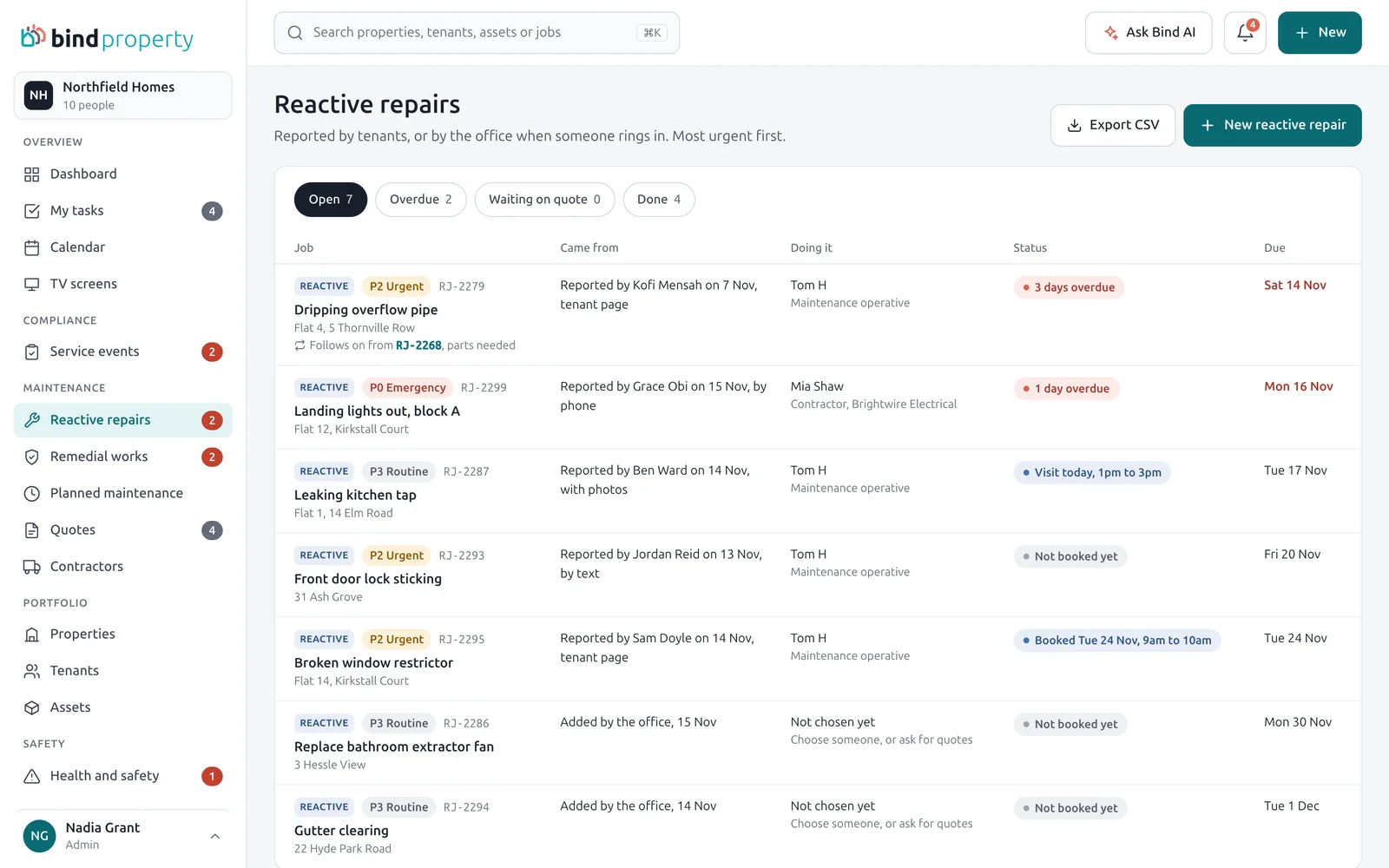
Jobs, most urgent first
My jobs sorts by deadline, or by building or priority, and shows what still needs booking.
-
Book the visit
They pick a day and a time slot and the tenant is told. Tenants always get at least 24 hours' notice and a reminder the day before.
-
Mark it done
On site they confirm the building's hazards, add photos and the certificate, and the job goes to the office to check.
Questions
Questions about contractor app
Do our own maintenance staff use it too?
Yes. In-house operatives use the same app for the jobs given to them, and can log a false fire alarm from it.
What if a contractor works for more than one landlord?
They keep one login and switch between the organisations they work for. Each organisation only sees its own jobs.
What do they confirm before marking work done?
Any hazards recorded for the building, like asbestos in a plant room or a dog in a flat, and your organisation's terms for contractors if you have set some. The job cannot be marked done until they have.
Bind Property
More in Bind Property
Try the Bind Property demo
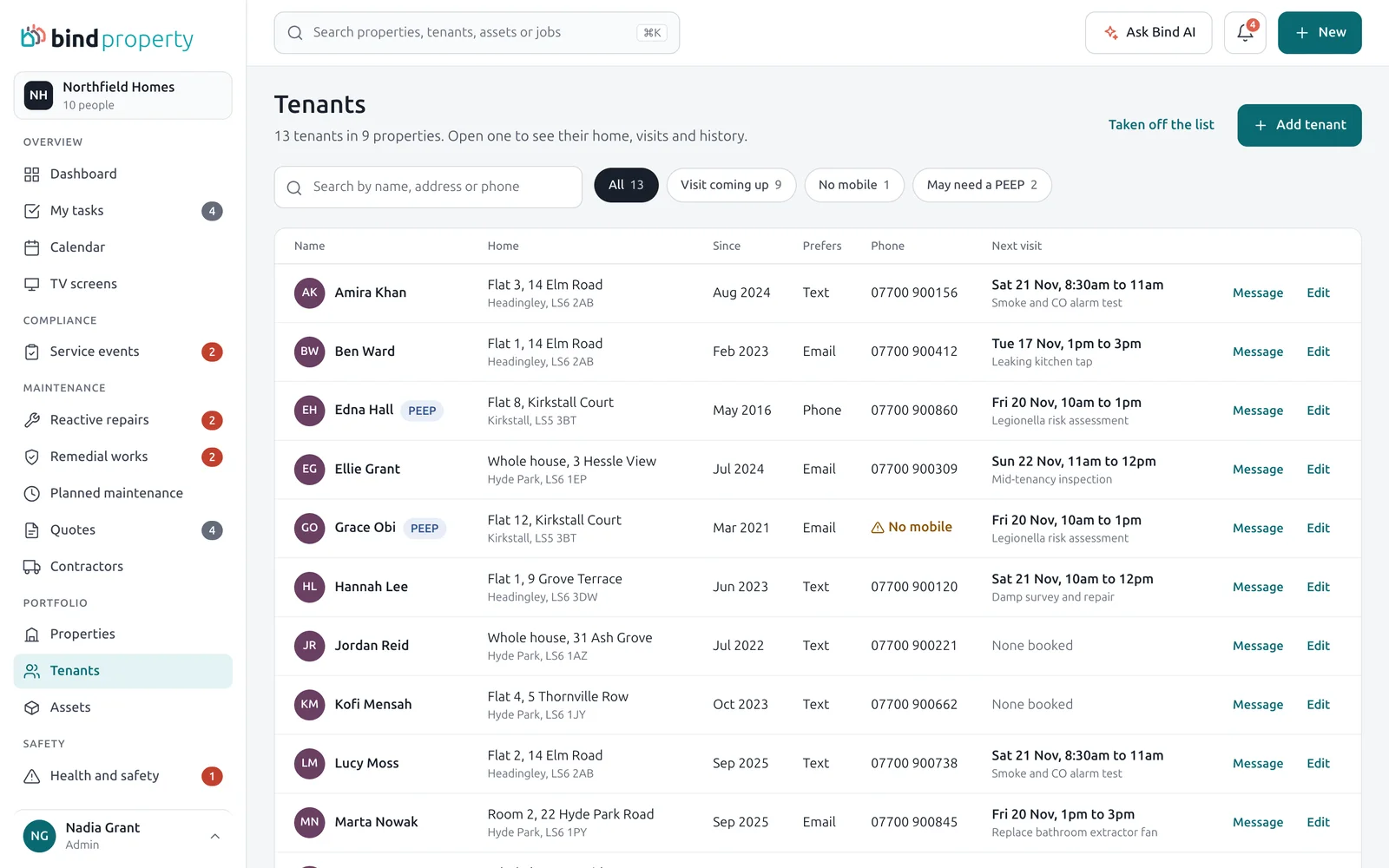
Look round the demo with sample buildings, tenants and repairs, or get in touch and we will show you round.