
Campaigns
How it works
Campaigns, step by step
-
Pick a list
Choose who it goes to, such as everyone on your Customers list.
-
Write it
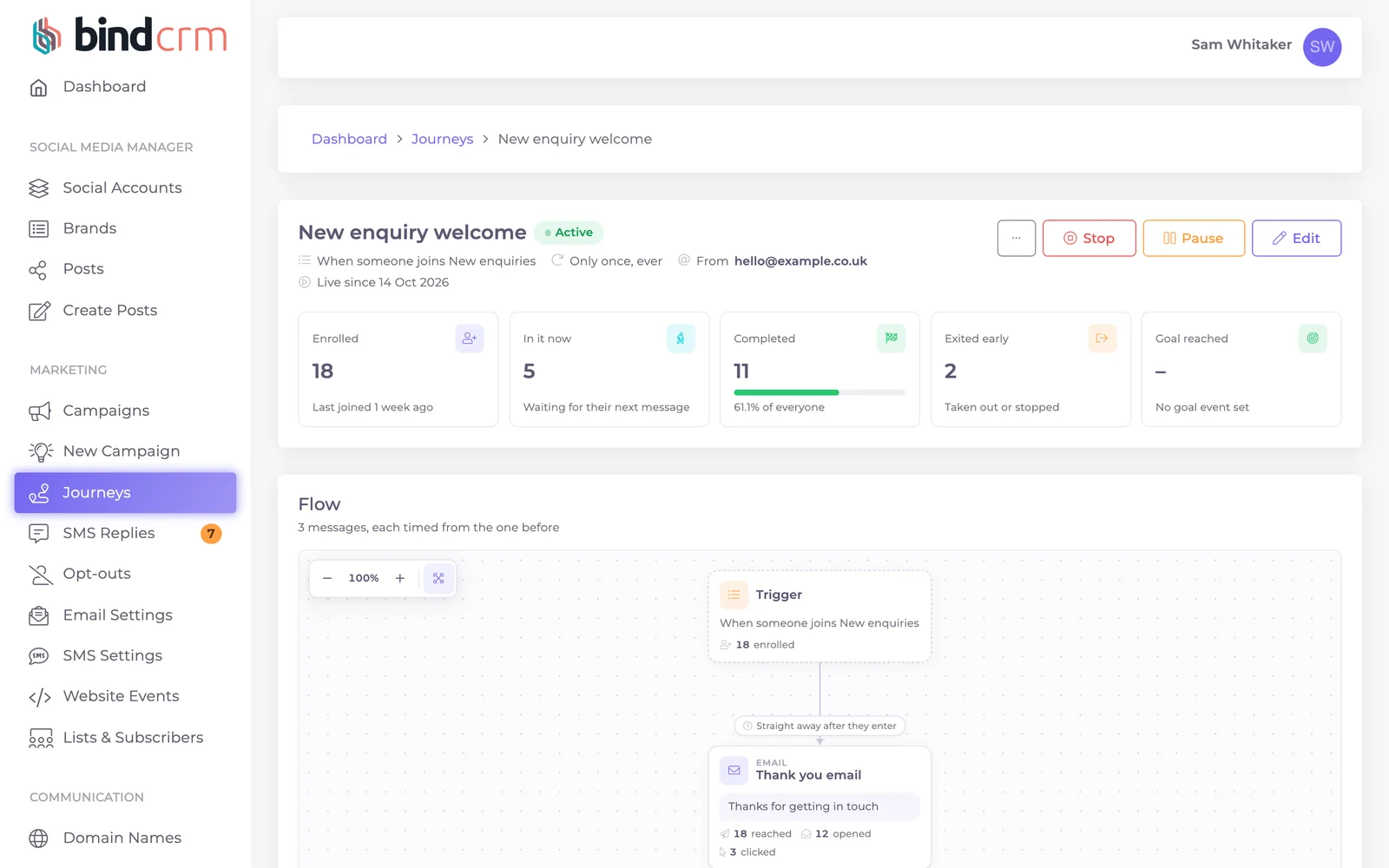
An email or a text, with their first name dropped in. Links are tracked so you can see clicks.
-
Send it
Send it now or when you choose. People who've opted out are left out for you.
-
Follow up the replies
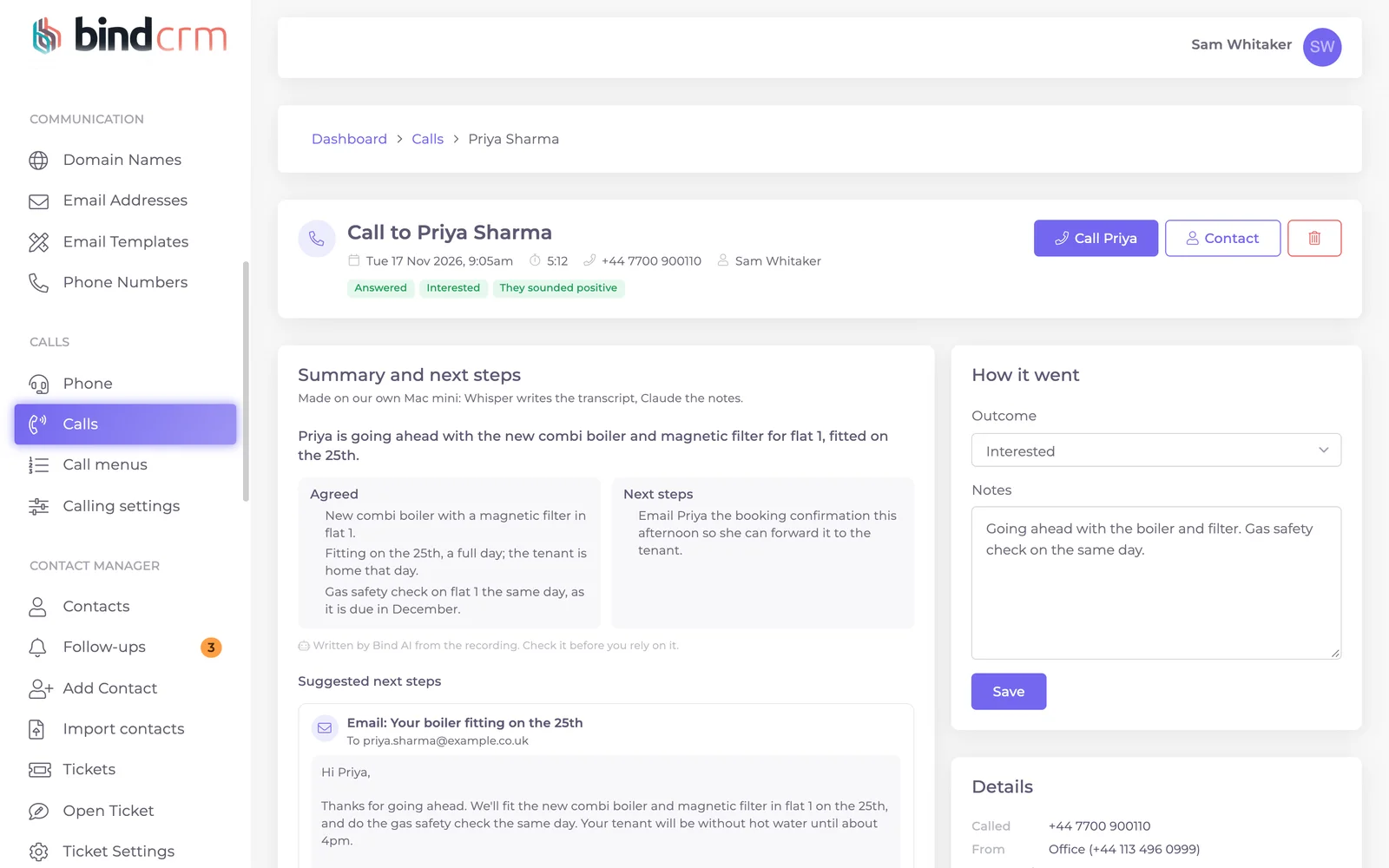
Replies come into the SMS inbox. File each one and book a follow-up with the people who said yes.
Questions
Questions about campaigns
Do I need my own email or SMS account?
Texts go through your SMS settings and emails through an email address you set up in Bind. We help you connect both before your first send.
What happens when someone opts out?
They're added to your opt-outs and left out of later campaigns, by text or email.
Are open rates accurate?
Treat them as a guide. Apple Mail loads images for its users, which counts as an open. Clicks are the more reliable number, and the report says so.
Bind CRM
More in Bind CRM
Try Bind CRM for yourself
Sign up and see how it works with your own customers, or get in touch and we will show you round.