Compliance
How it works
Compliance, step by step
-
Set up each kind of check
Each event type says how often it repeats, which assets it covers, who does it and when its job opens. At Northfield Homes the gas safety check repeats every 12 months and opens 8 weeks before it is due.
-
The job opens itself
Every morning Bind Property opens the jobs whose day has come, puts each in its first stage and tells whoever does the work.
-
Reminders do the chasing
Each type has its own reminder ladder. On the gas check, whoever does the work hears 4 weeks before, the owner's manager 2 weeks before, and the owner every day once it is overdue.
-
Check the certificate, then close
The engineer uploads the certificate and Bind AI reads the date, the engineer and each appliance. Your team ticks the review checks, the job closes and the next one is set up.
Questions
Questions about compliance
Which checks does it come with?
Ready-made types for gas safety, electrical safety (EICR), fire alarm servicing, emergency lighting, fire risk assessments, Legionella, smoke and CO alarms, lift inspections (LOLER), boiler servicing, EPCs, PAT testing and fire drills, along with repairs and planned maintenance. You can change any of them or add your own.
Can contractors upload certificates themselves?
Yes. A contractor marks the work done in the contractor app and attaches the certificate there. It goes on the job and waits for your review.
What happens when a check is done early?
By default the next one counts from the date on the certificate, so a gas check done 16 days early restarts the clock from that day. For something like an insurance renewal you can keep a fixed cycle instead.
Can we bring in the certificates we already have?
Yes. Properties, tenants, assets and certificates can each be imported from a CSV file.
Bind Property
More in Bind Property
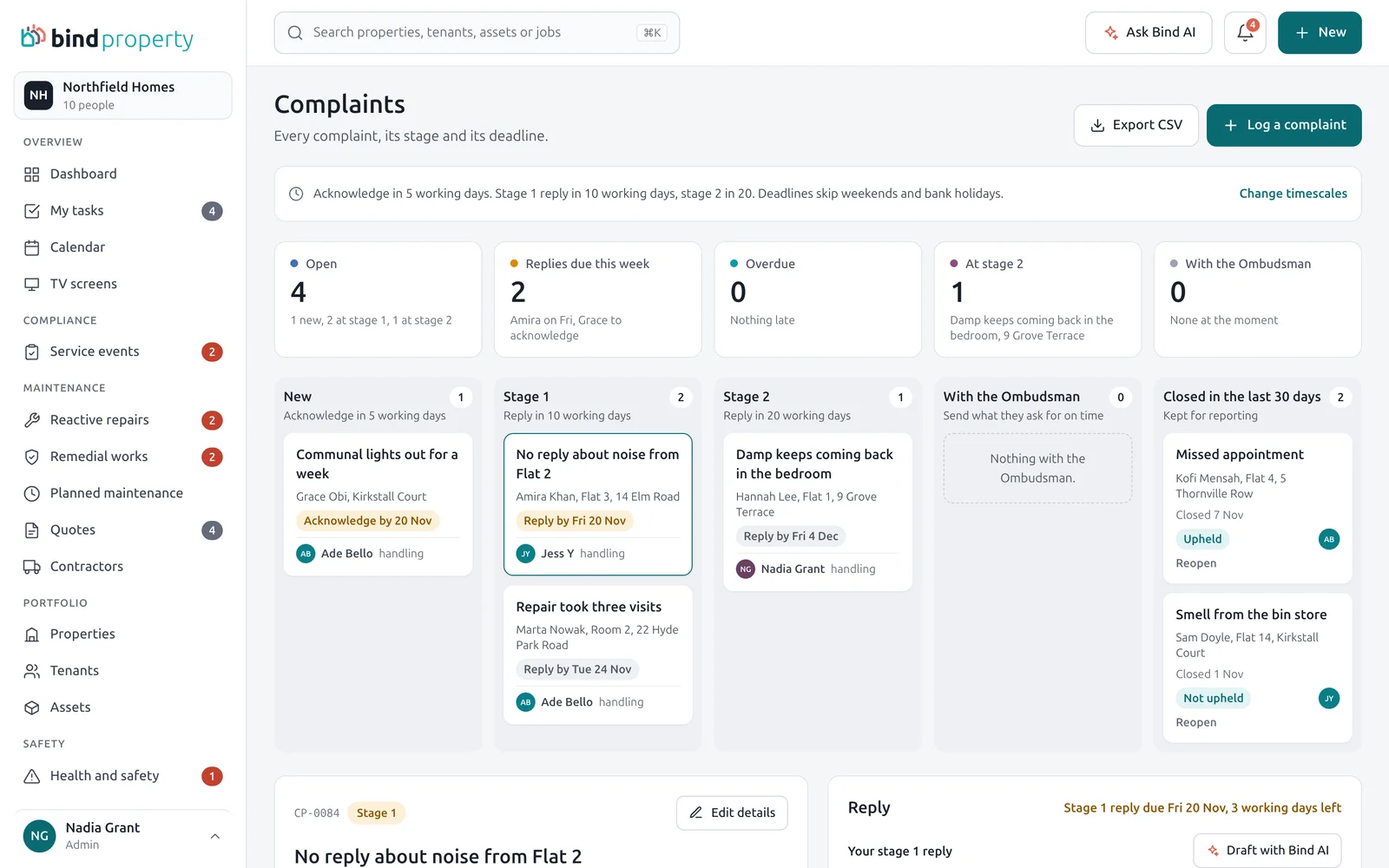
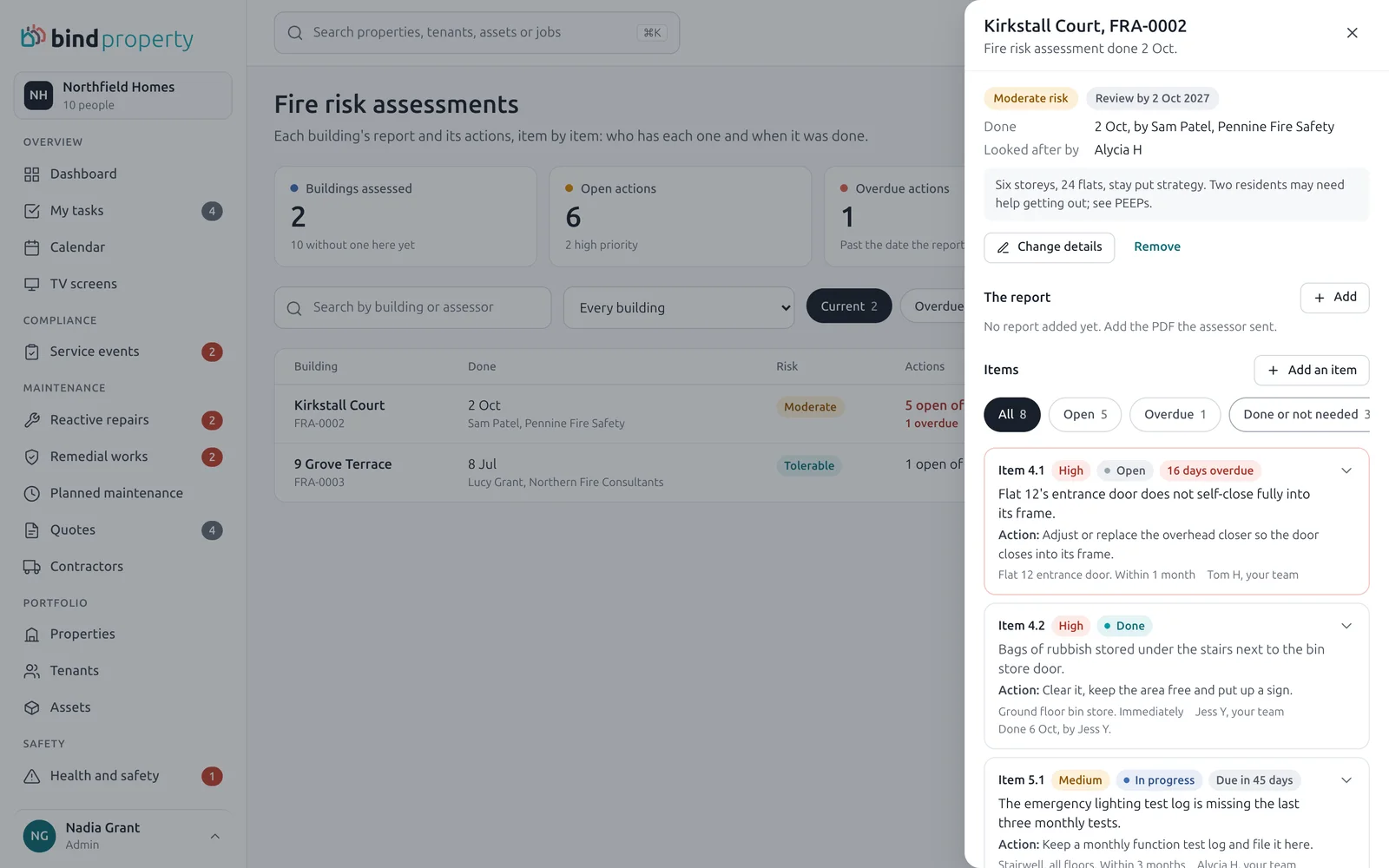
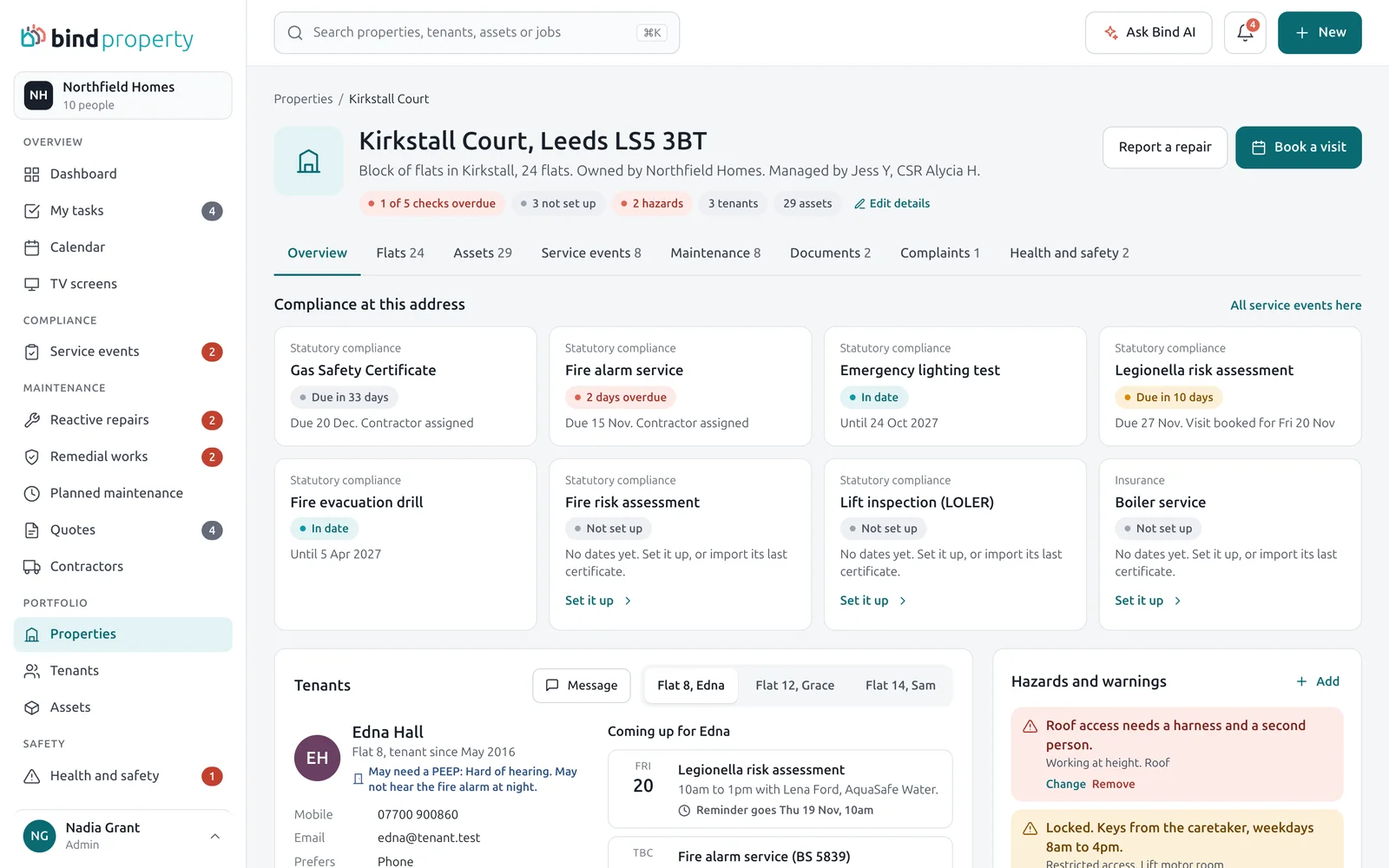
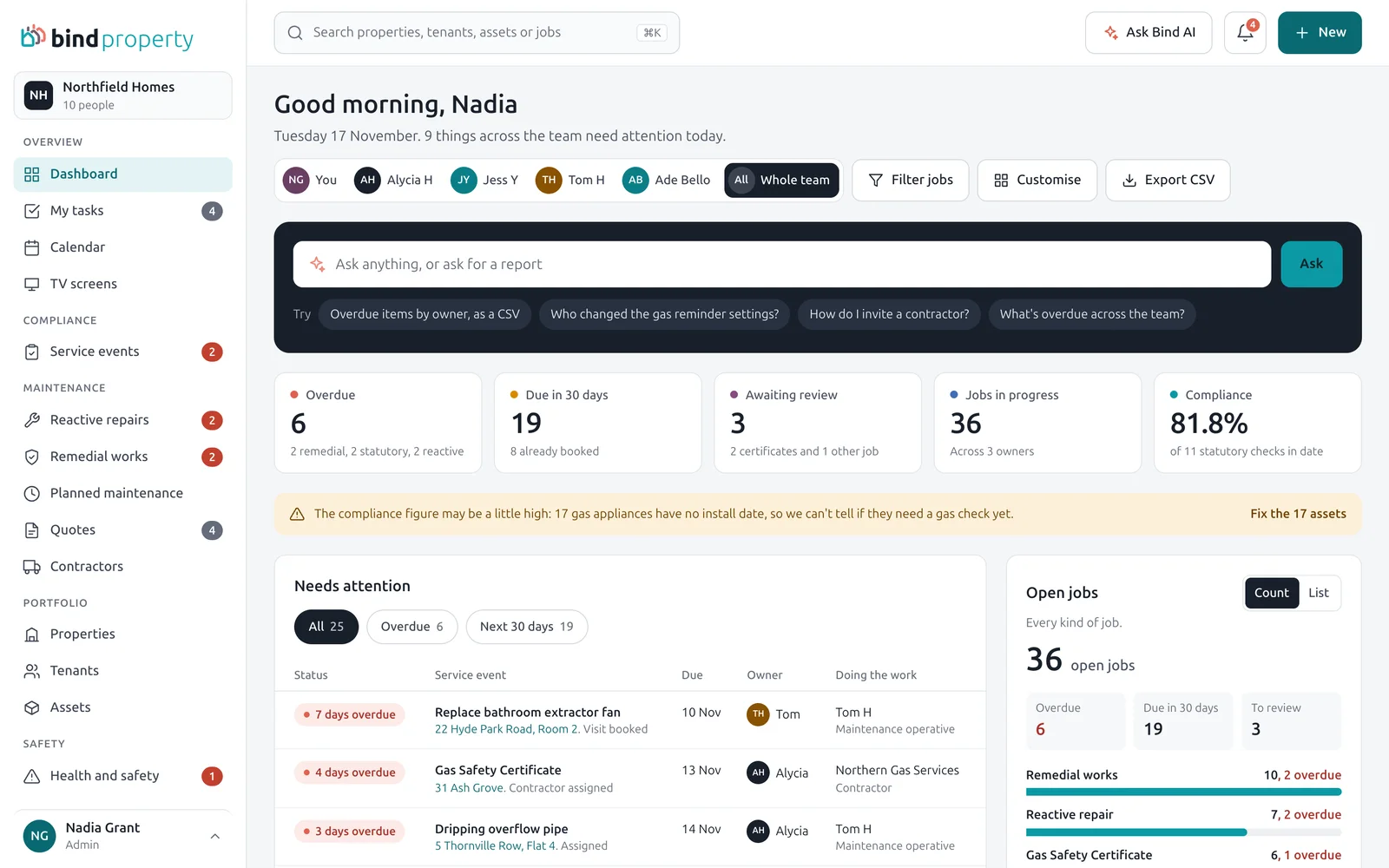
Try the Bind Property demo
Look round the demo with sample buildings, tenants and repairs, or get in touch and we will show you round.