
Phone calls
How it works
Phone calls, step by step
-
Pick who to call
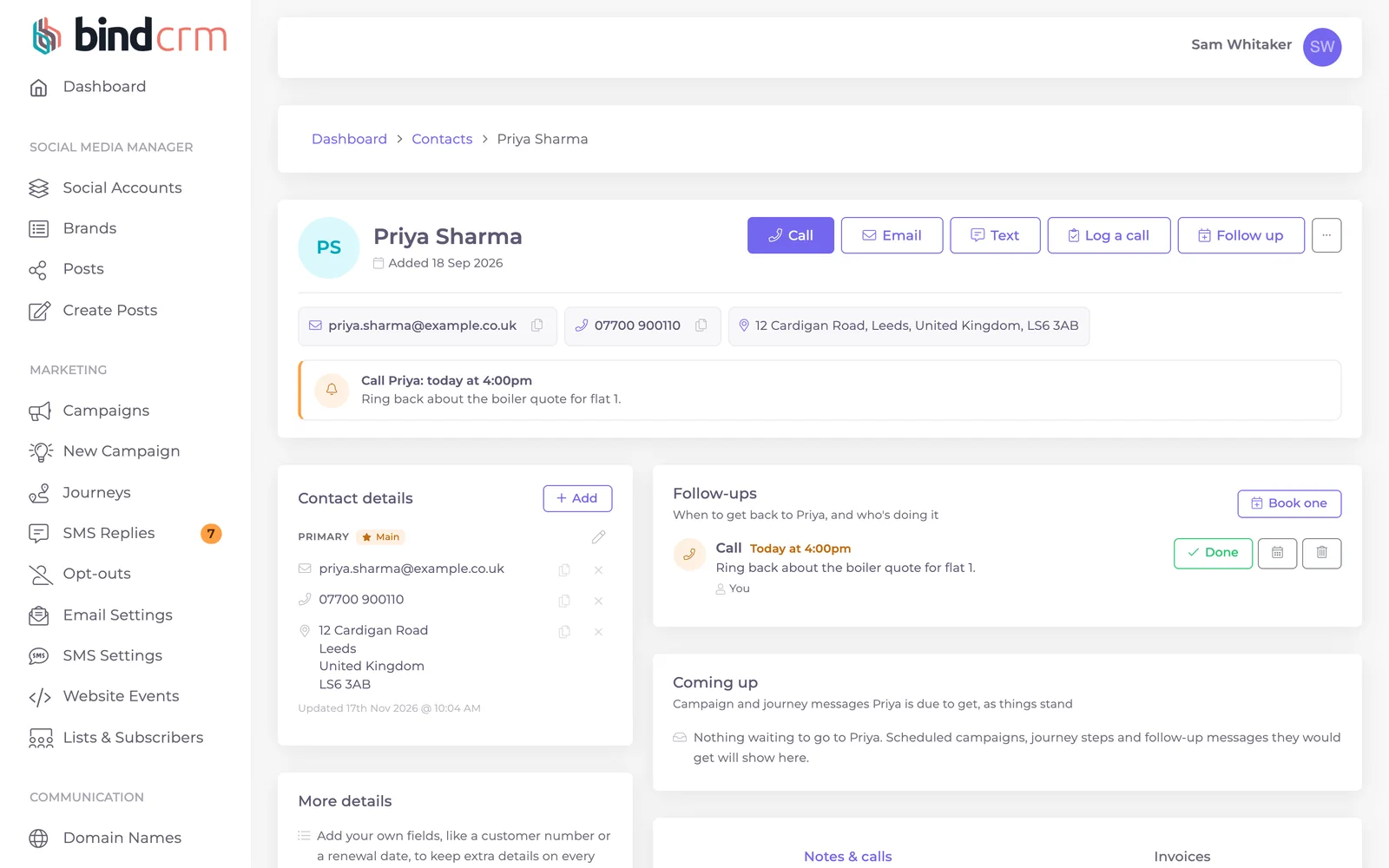
Work through a list, a group or your follow-ups that are due.
-
Ring from your browser
Use the dial pad or type a name, and choose which of your numbers it calls from.
-
Talk
The call is recorded and transcribed, so you can listen rather than scribble.
-
Act on the notes
Read the summary, then send the suggested email or book the follow-up call.
Questions
Questions about phone calls
What do I need to make calls?
A phone number connected in Calling settings. We'll set it up with you, and then you call from Bind in your browser.
Who writes the call notes?
They're made on our own Mac mini: Whisper writes the transcript and Claude writes the notes. Check them before you rely on them, as the page reminds you.
Can I switch recording off?
Yes. Recording and call notes are settings you can turn on or off in Calling settings.
Bind CRM
More in Bind CRM
Try Bind CRM for yourself
Sign up and see how it works with your own customers, or get in touch and we will show you round.