
Repairs
How it works
Repairs, step by step
-
Reported
A tenant reports it on their own page, with photos, or the office adds it after a call. A tenant who can smell gas, or has water near electrics, makes it an emergency straight away.
-
Given a deadline
By default P0 emergencies are due within 24 hours, P1 within 48 and P2 within 72, routine work within 28 days and planned work within 90. You can change each one.
-
Sent to someone
Give it to your own operative or a contractor, or ask contractors for quotes first. They book a visit and the tenant is told.
-
Done and checked
When the work is marked done it waits for the office to check it, then closes, and the tenant hears it has been fixed.
Questions
Questions about repairs
What is the difference between reactive, remedial and planned work?
Reactive repairs are things that break and get reported. Remedial works put right something a check, an accident or a complaint found, like a fault on a gas certificate. Planned maintenance is work you schedule, like clearing gutters every autumn. Each has its own list.
Can tenants send photos?
Yes. The repair form on the tenant's page takes photos, and you choose which of its extra questions are asked.
Can we change the deadlines?
Yes. Each priority's timescale is a setting for your organisation: hours for P0 to P2 and days for P3 and P4.
Bind Property
More in Bind Property
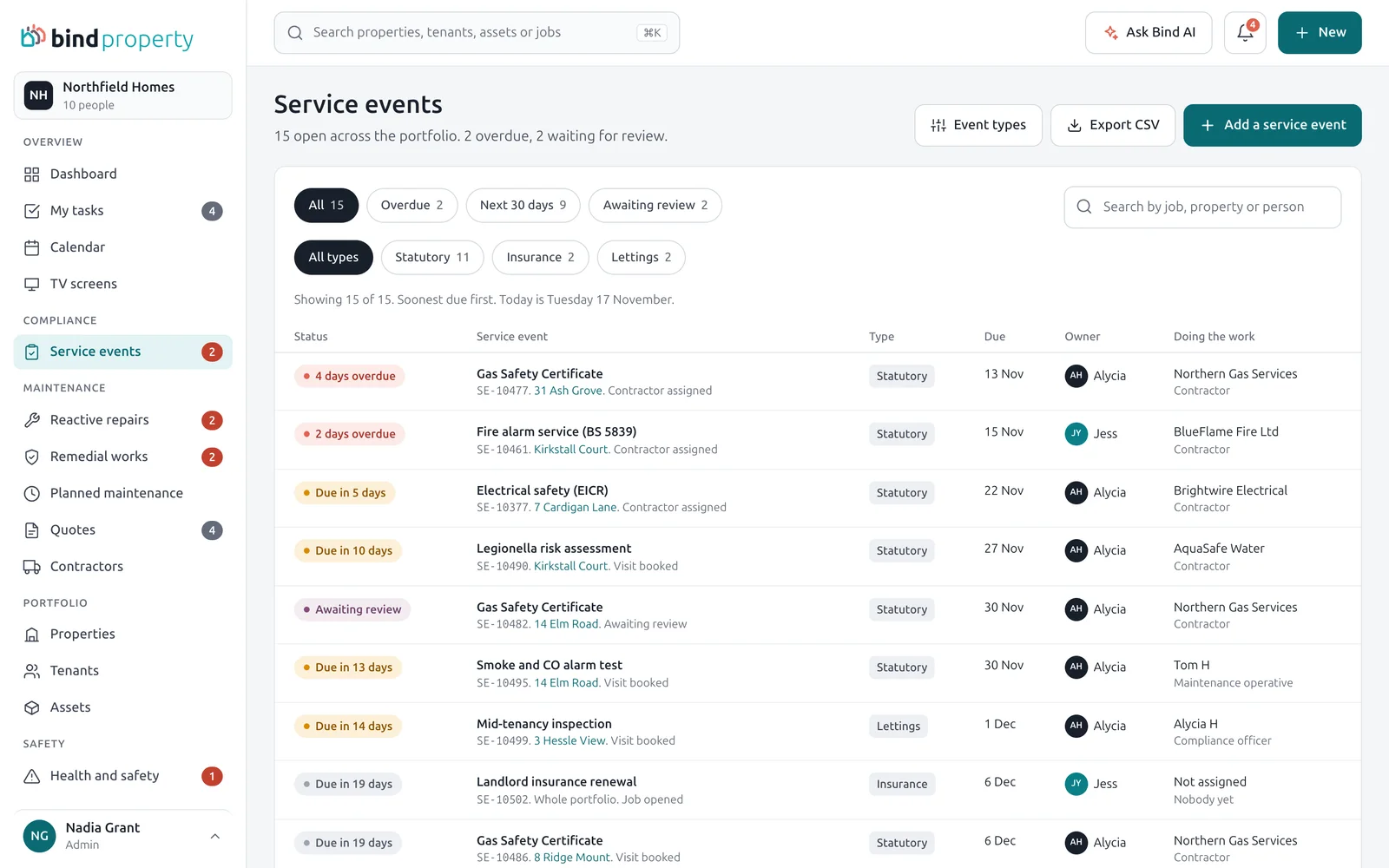
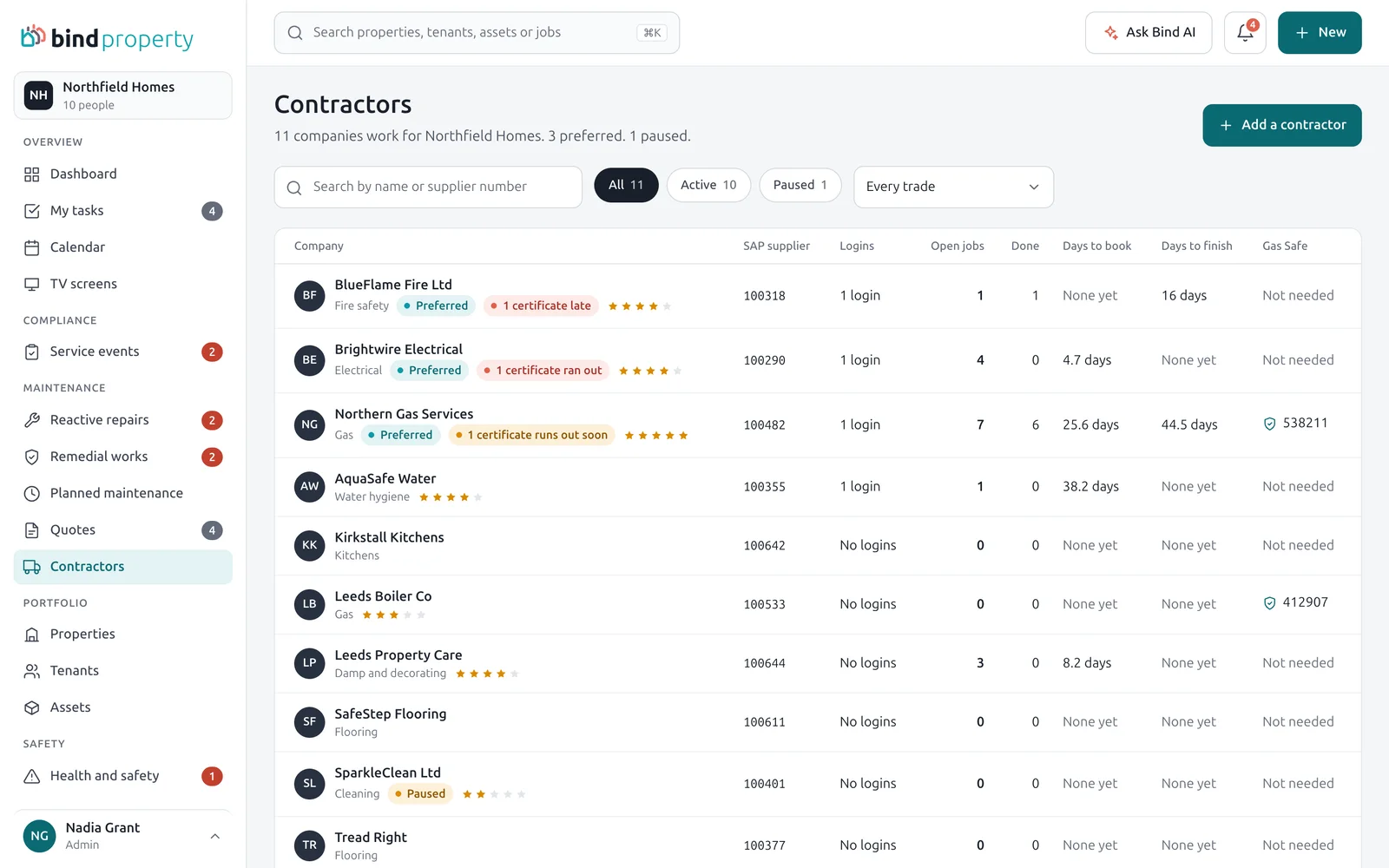
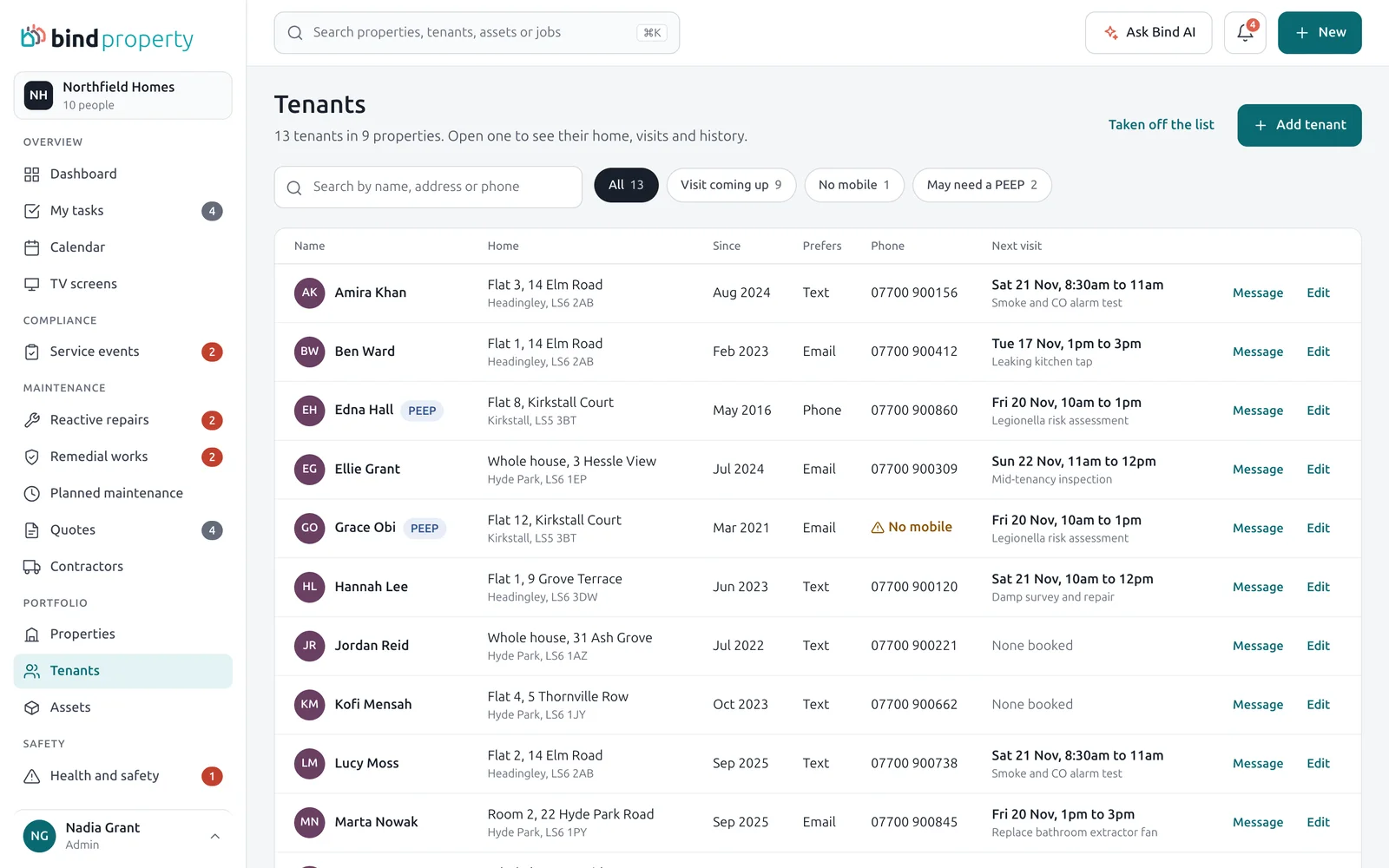
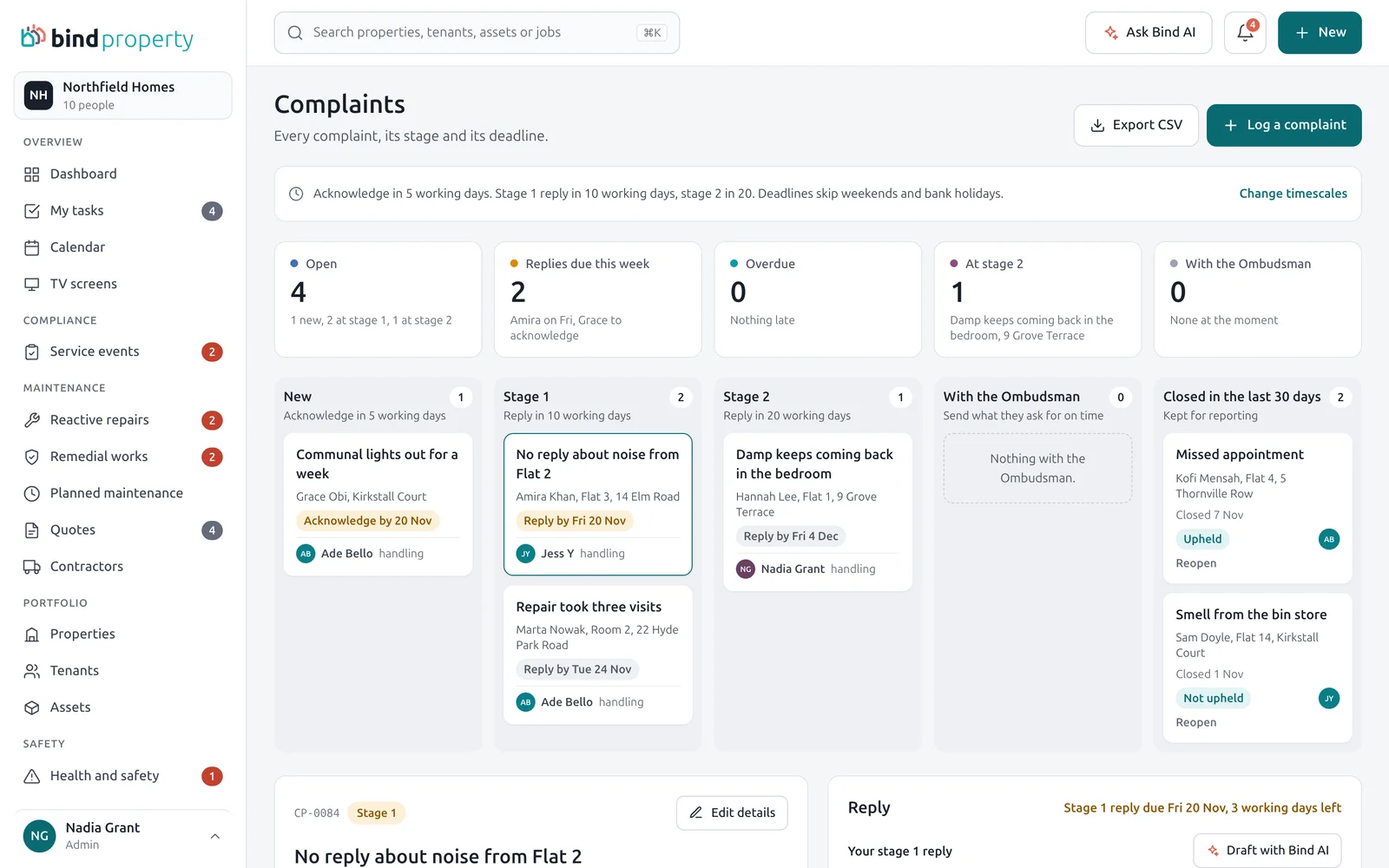
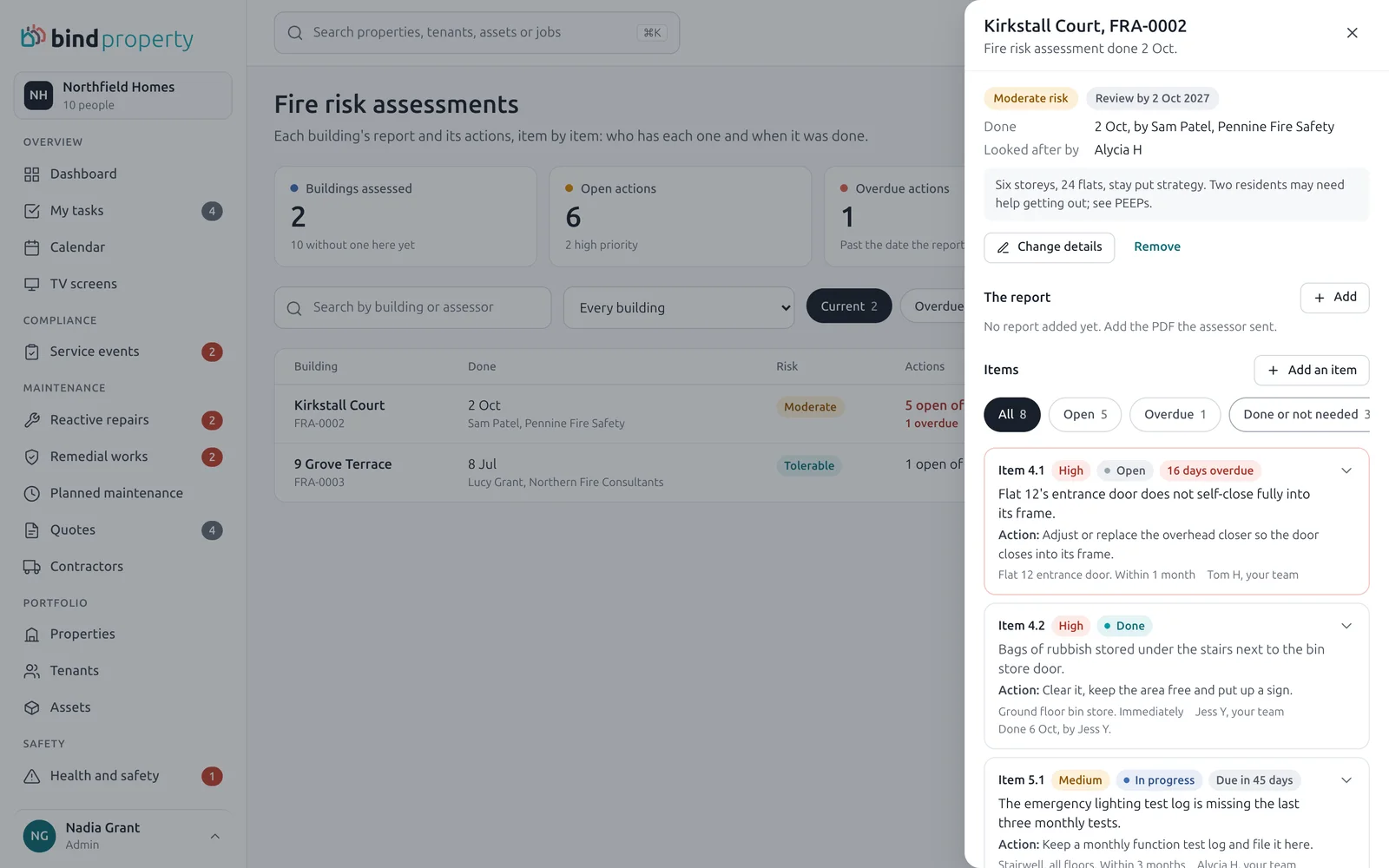
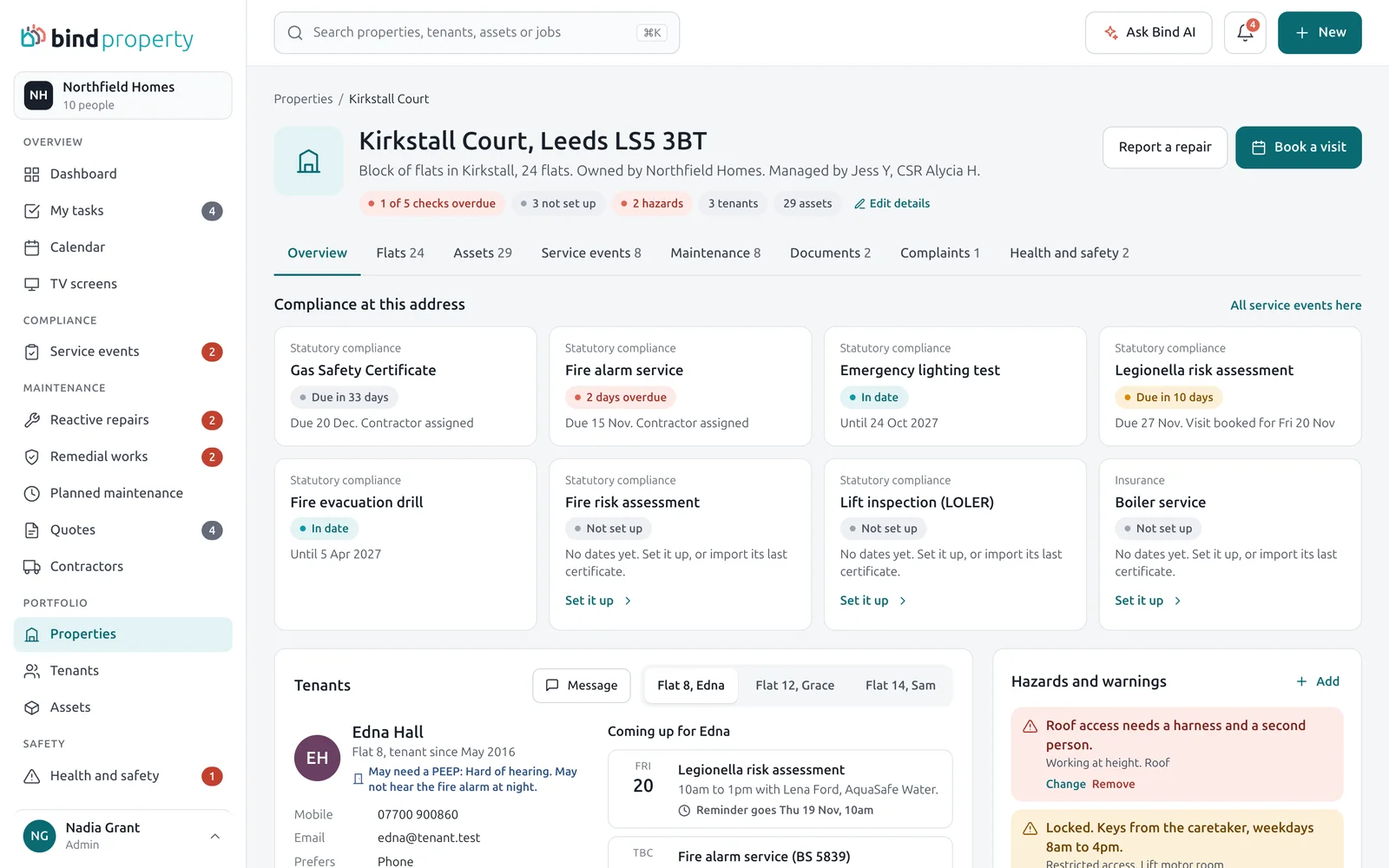
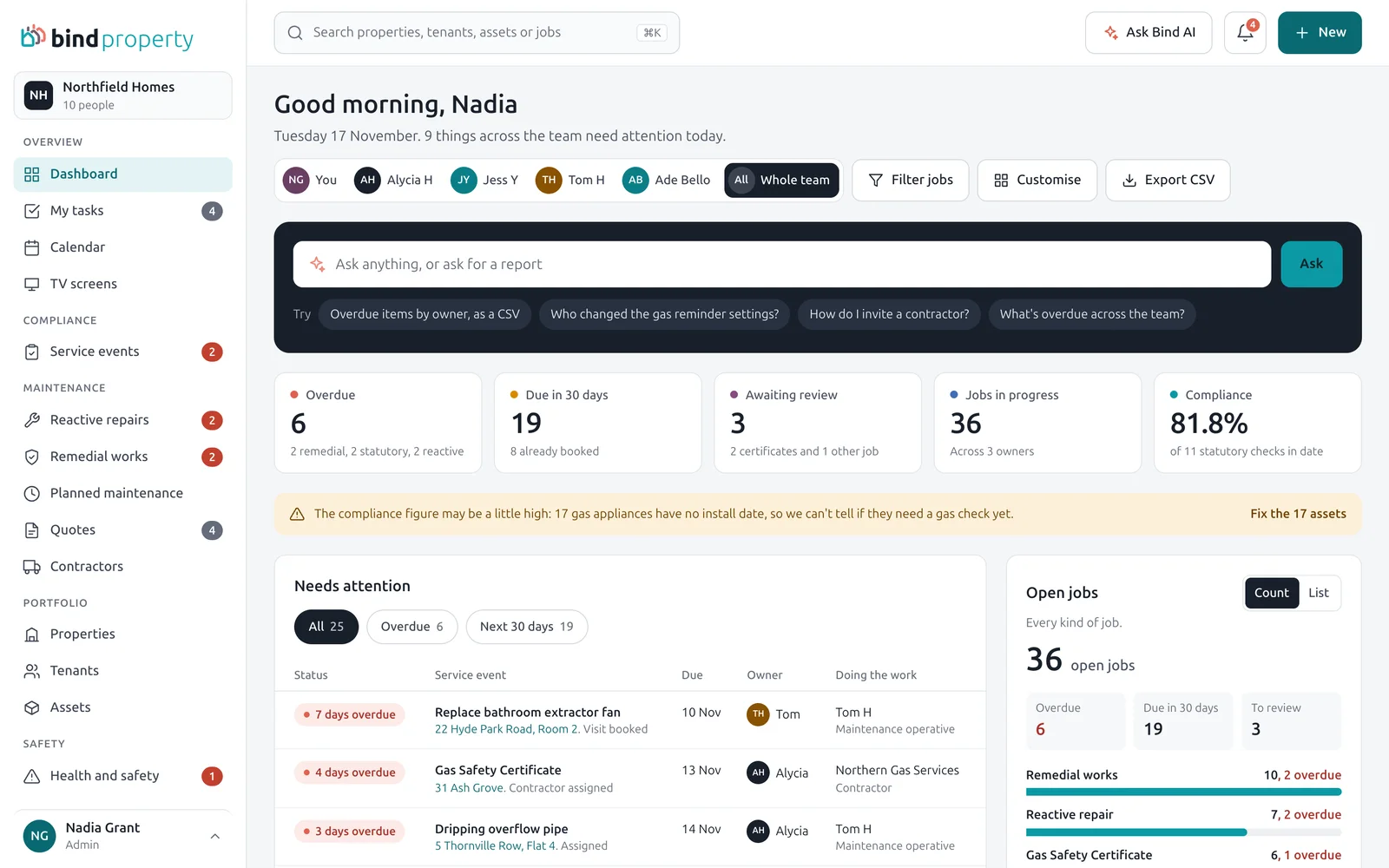
Try the Bind Property demo
Look round the demo with sample buildings, tenants and repairs, or get in touch and we will show you round.