
Contacts
How it works
Contacts, step by step
-
Bring your contacts in
Add people one at a time or import a spreadsheet. Put them in groups like Landlords or Boiler service due.
-
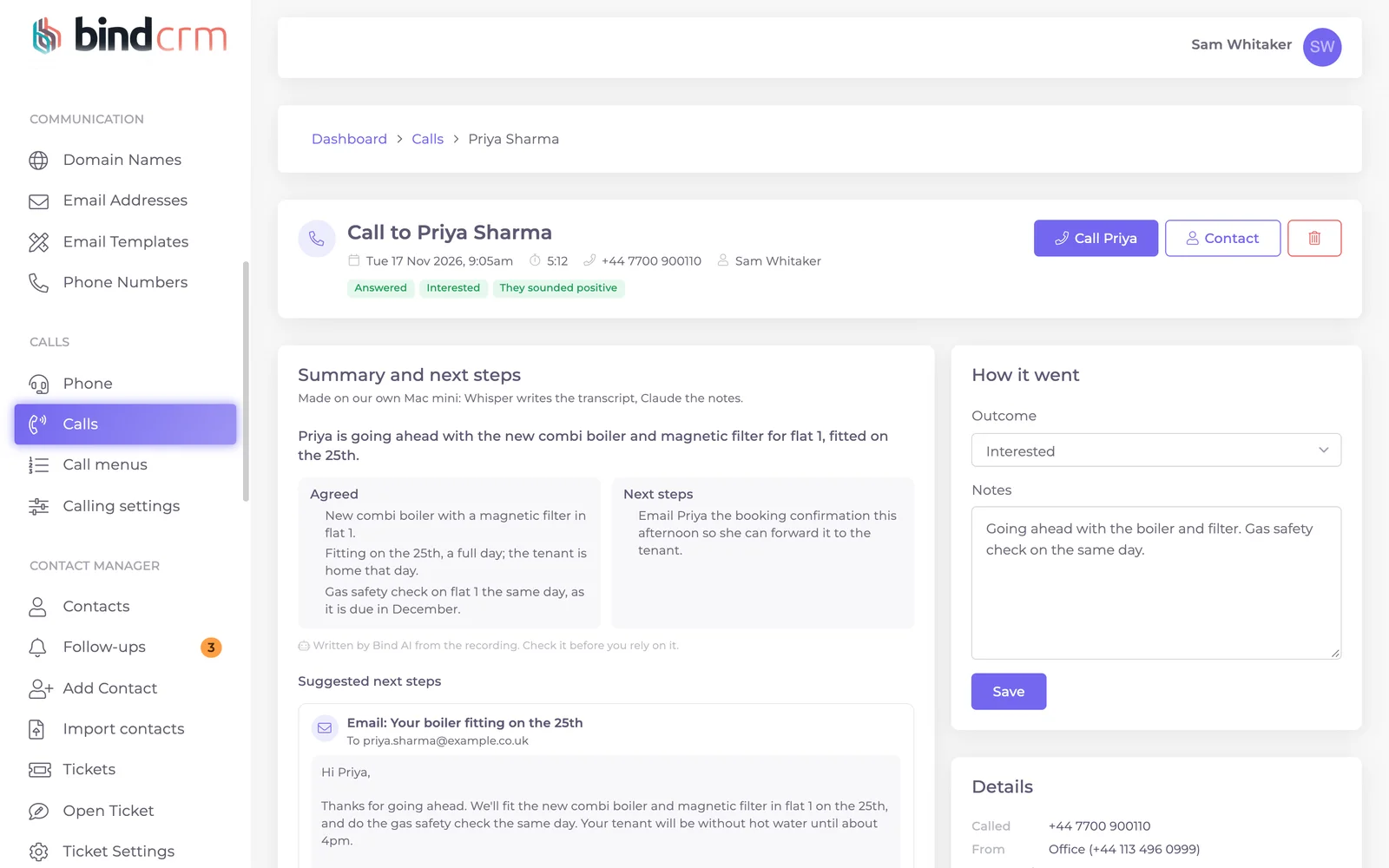
Keep notes as you go
Log a call, a meeting or an email with how it went, so anyone in the team can pick it up.
-
Book the follow-up
Say when you'll get back to them and who's doing it. It shows on their page and on your follow-ups list.
-
Get reminded
When a follow-up comes due, we email whoever it's for, and it stays on the list until it's done.
Questions
Questions about contacts
Can I bring my contacts from a spreadsheet?
Yes. Import contacts takes a spreadsheet, and you can put everyone you bring in straight into a group.
Can I add my own fields?
Yes. Add fields like a customer number or a renewal date and they appear on every contact.
Who gets the follow-up reminder?
Whoever the follow-up is for. We email them when it comes due, and it shows on their follow-ups list until they mark it done.
Bind CRM
More in Bind CRM
Try Bind CRM for yourself
Sign up and see how it works with your own customers, or get in touch and we will show you round.