
Dashboard and reports
How it works
Dashboard and reports, step by step
-
Start the day on the dashboard
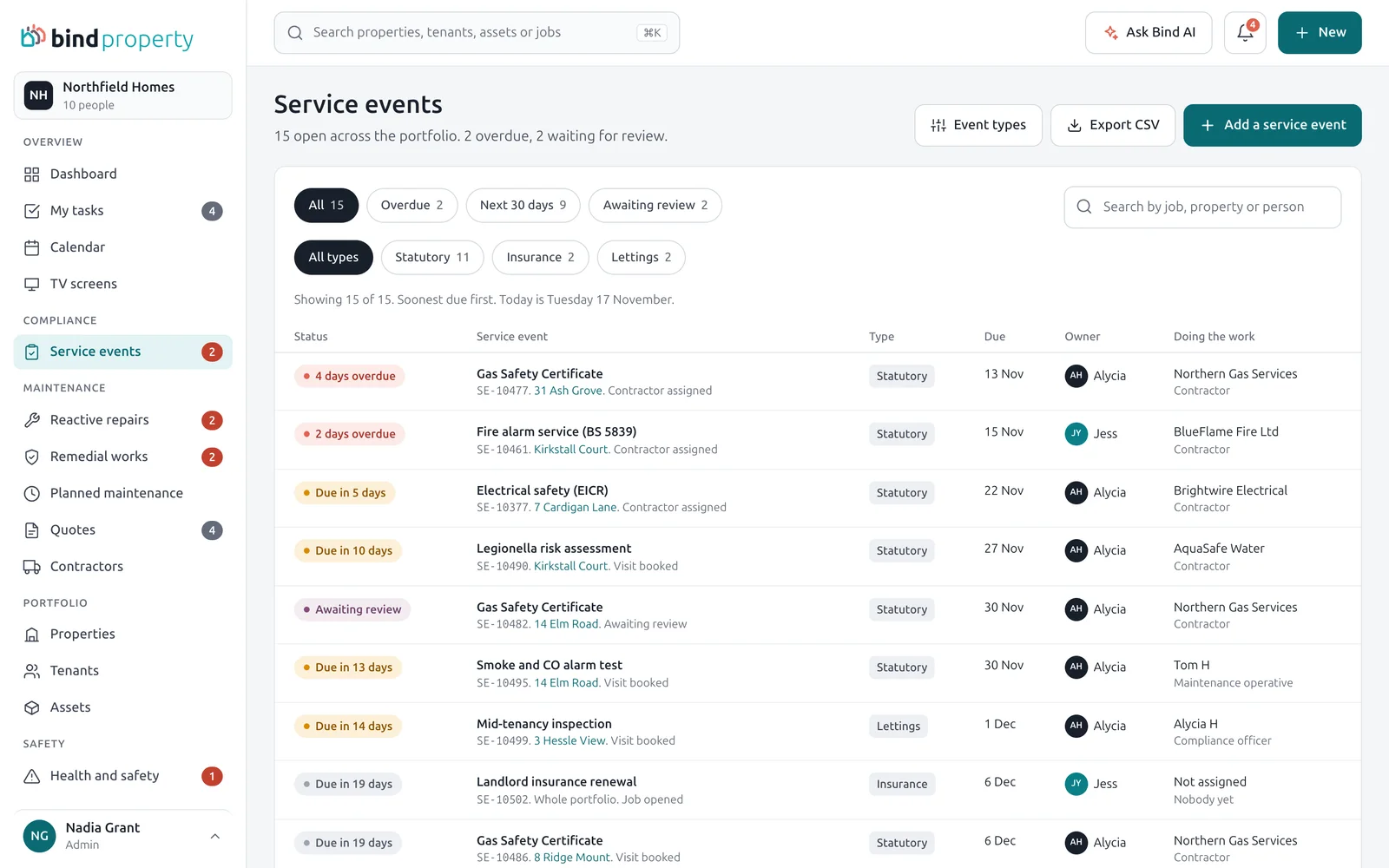
Overdue work, what is due in the next 30 days, what is waiting for review and your compliance figure, for you or the whole team.
-
Ask a question
Type what you need, like every gas and electrical certificate due before the end of February grouped by contractor, and Bind AI turns it into a report you can check.
-
Save it or send it
Keep the reports you use, and have them emailed on a schedule, like everything due in the next 30 days every Monday morning.
-
Put it on the wall
A TV screen in the office shows the day's figures and keeps itself up to date.
Questions
Questions about dashboard and reports
Can each person see only their own work?
Yes. The dashboard can show one person, a few people or the whole team, and each person can save their own view.
How do scheduled reports arrive?
By email, with a link to download the CSV, at the time you choose.
Does the TV need someone logged in?
No. It opens from its own private link, and it never shows tenants' contact details.
Bind Property
More in Bind Property
Try the Bind Property demo
Look round the demo with sample buildings, tenants and repairs, or get in touch and we will show you round.